Stunning countdown cards & widgets for your Android home screen.
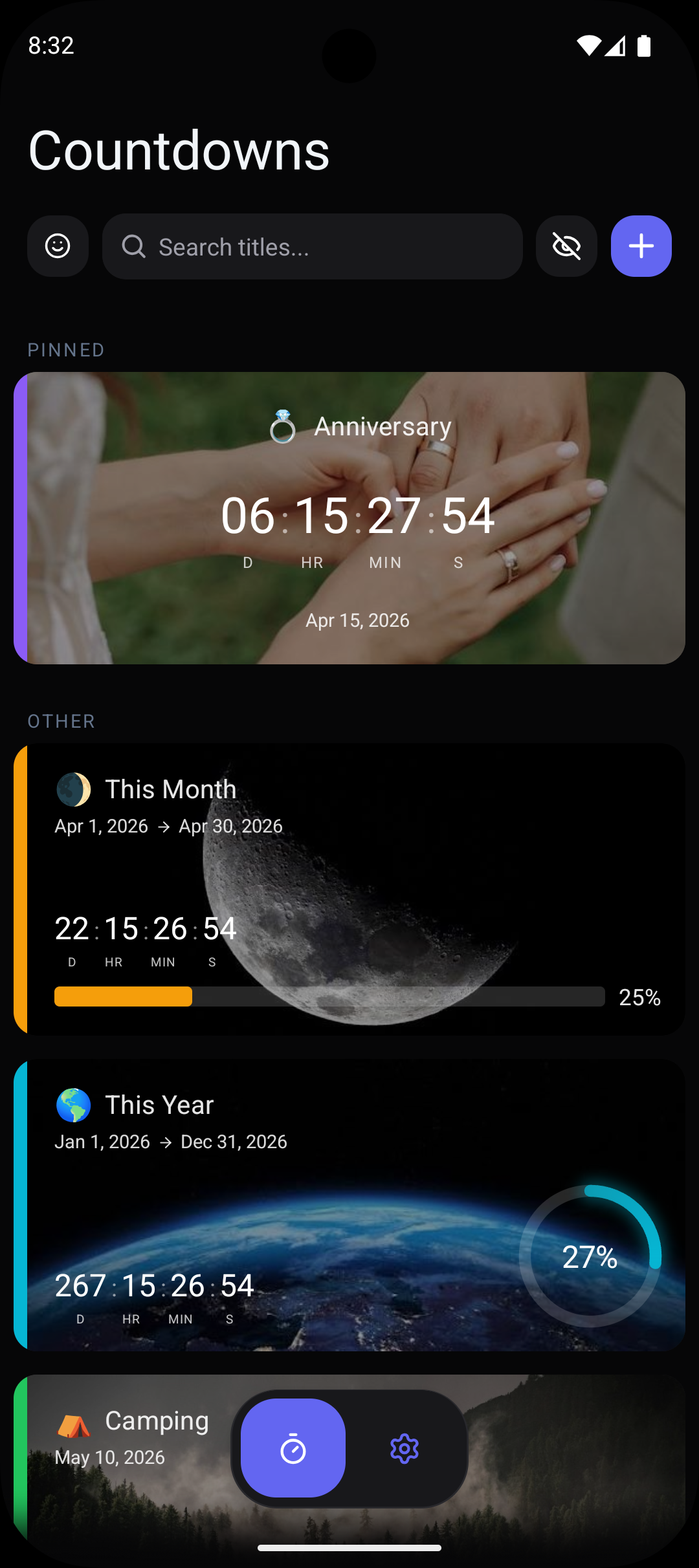
Keep track of the moments that matter with beautiful cards, timers, and home screen widgets.
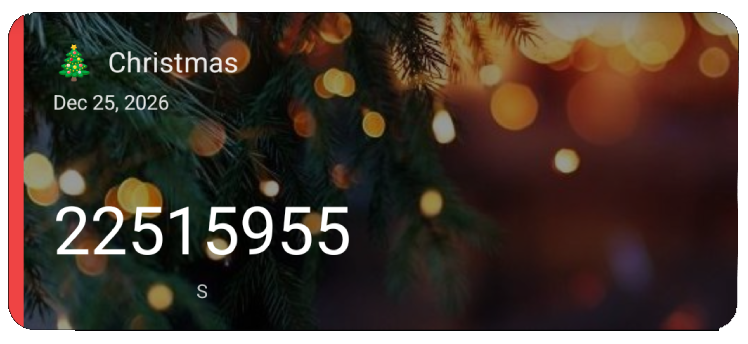
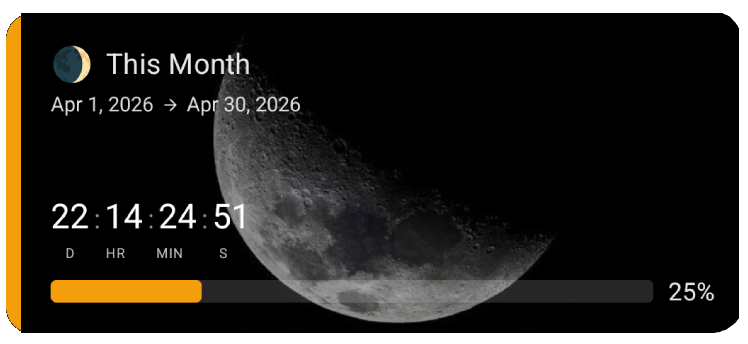
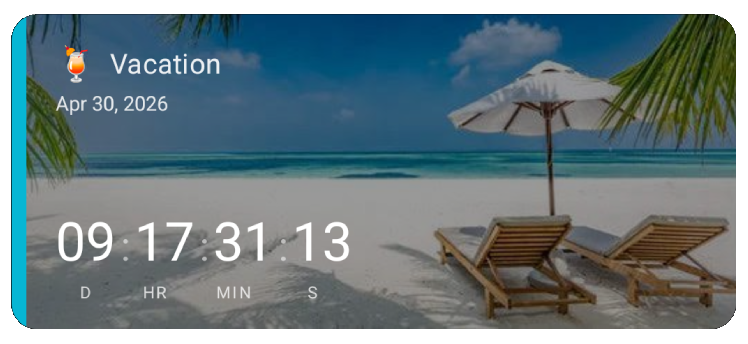
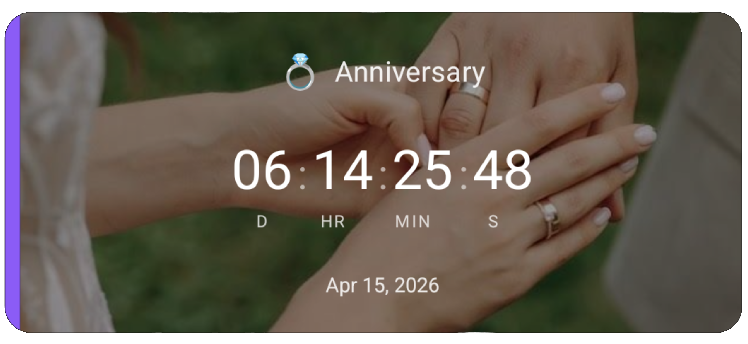
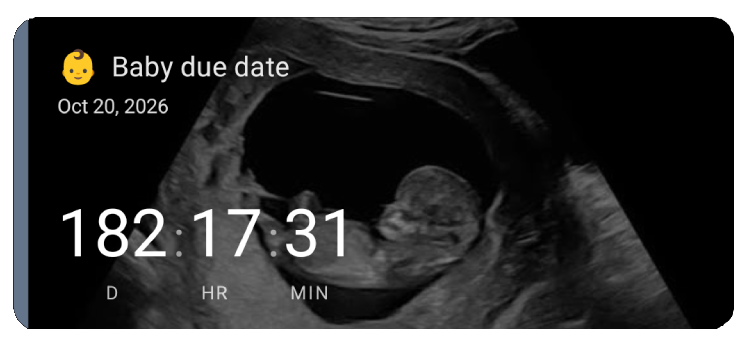
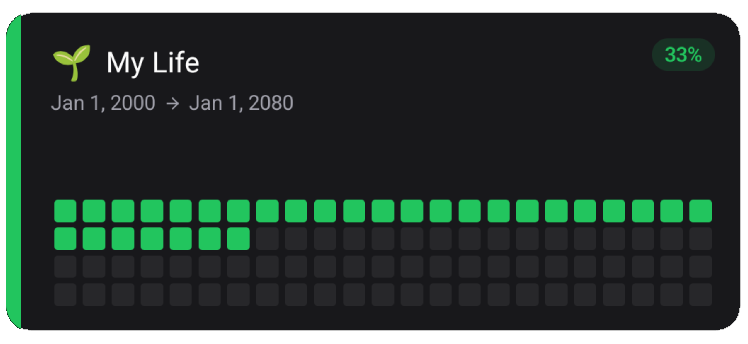
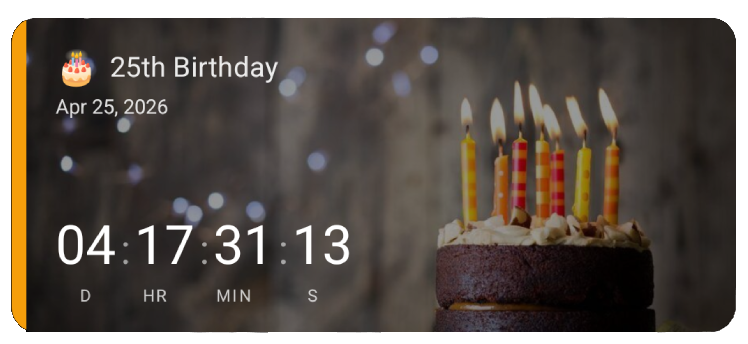
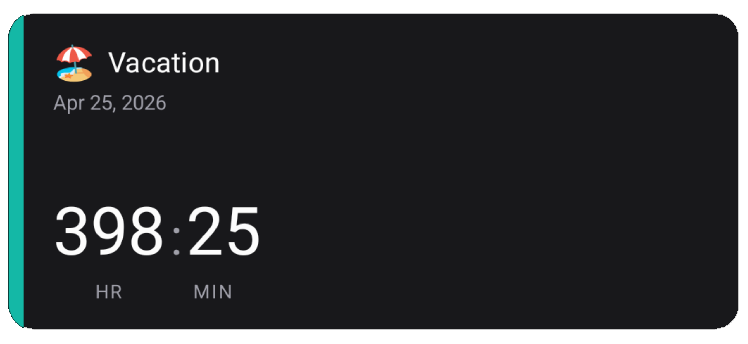
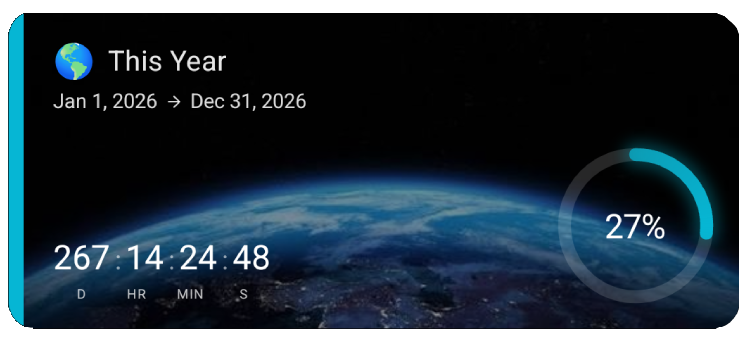
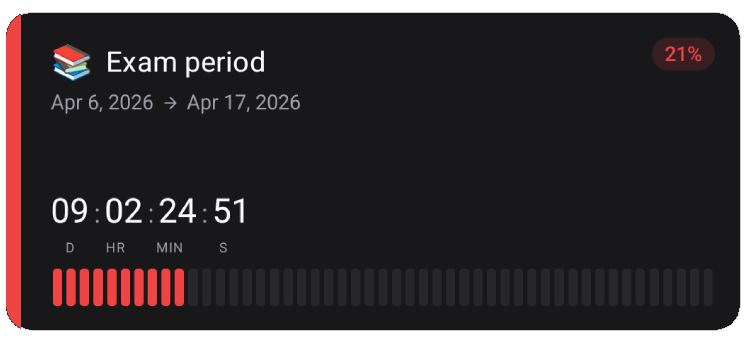
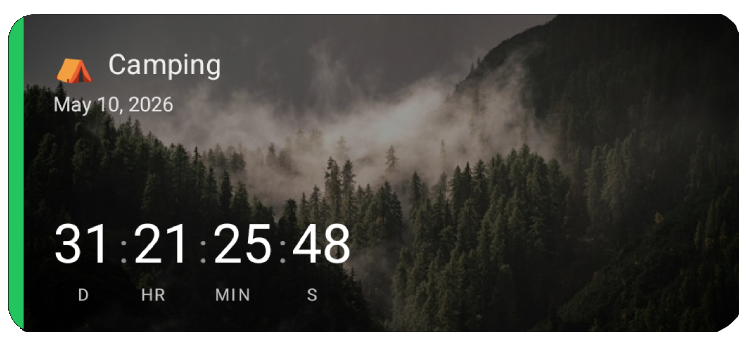
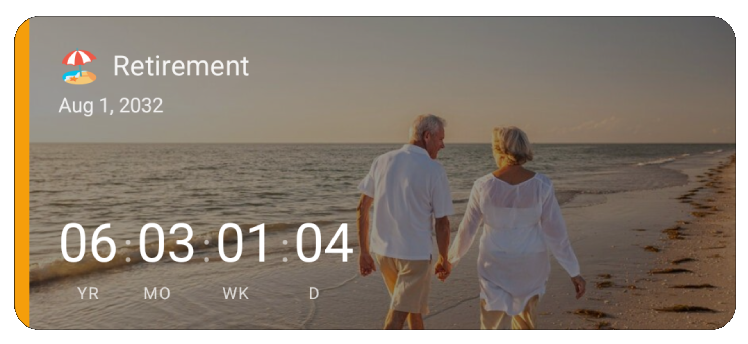
Choose the units & style that make sense to you
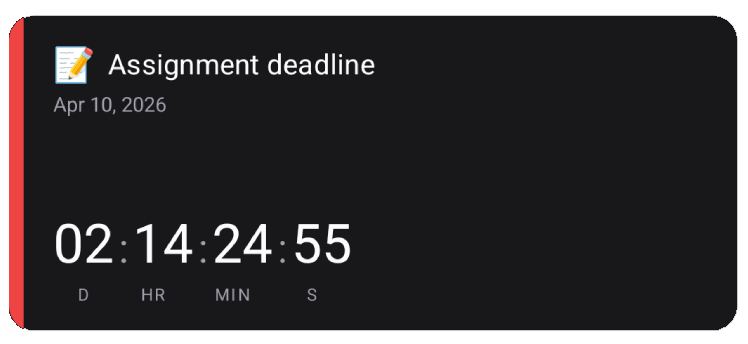
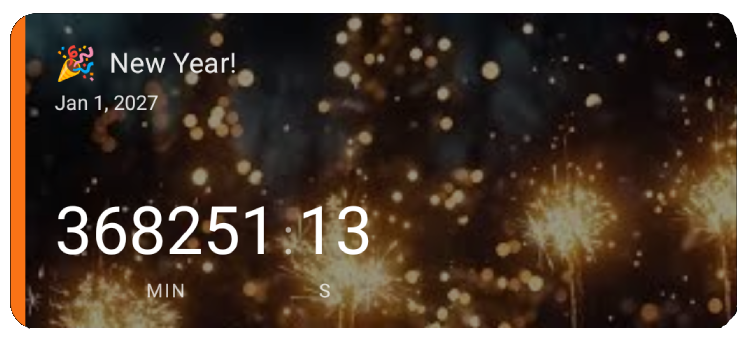
Days, hours, total seconds — pick any combination of time units and visual style that fits how you think about time.
Try it yourself
Jan 1, 2027
Timer units
Toggle units to see the card update live — just like in the app.
Time formats
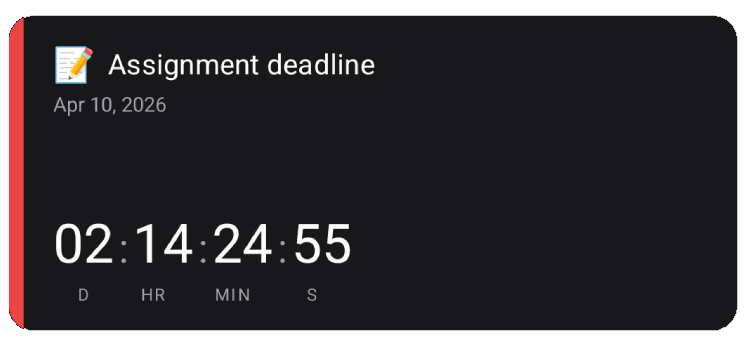
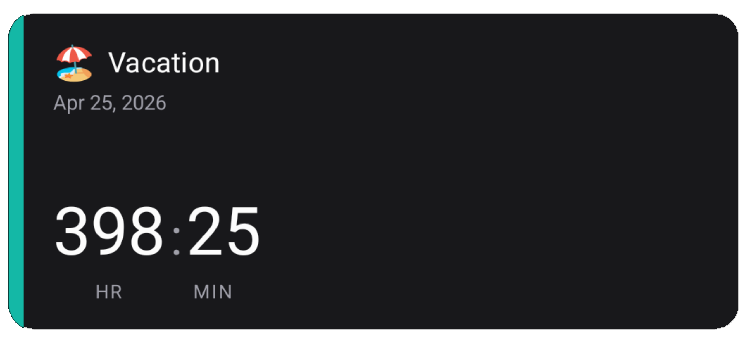
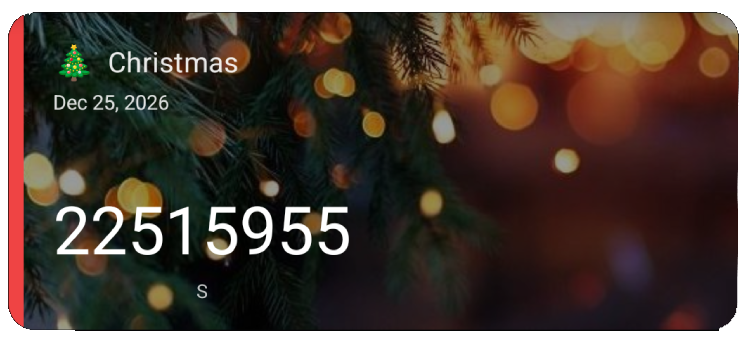
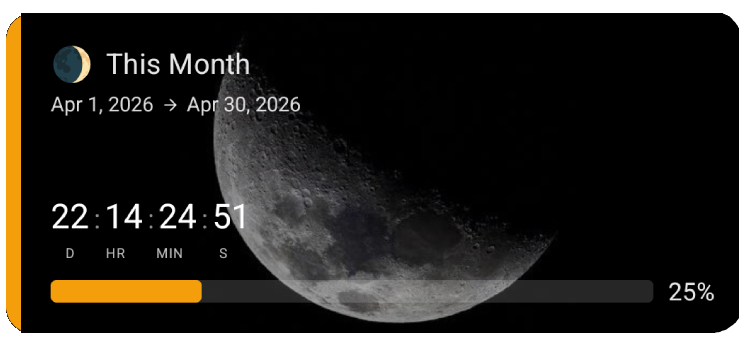
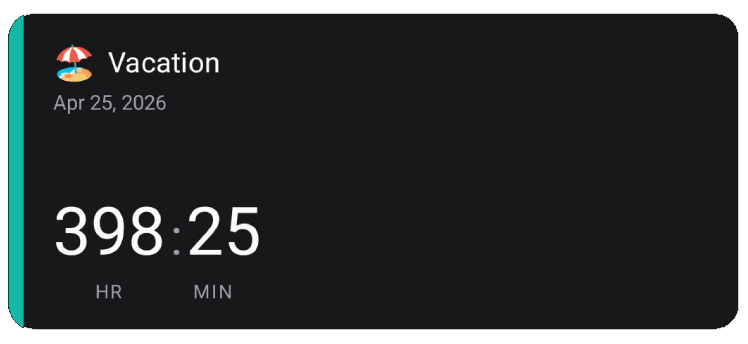
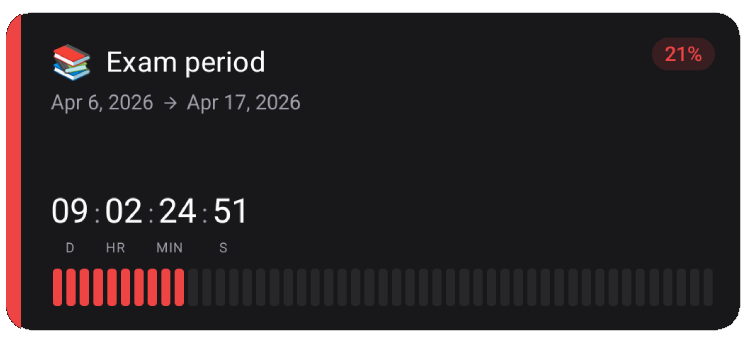
Visual styles
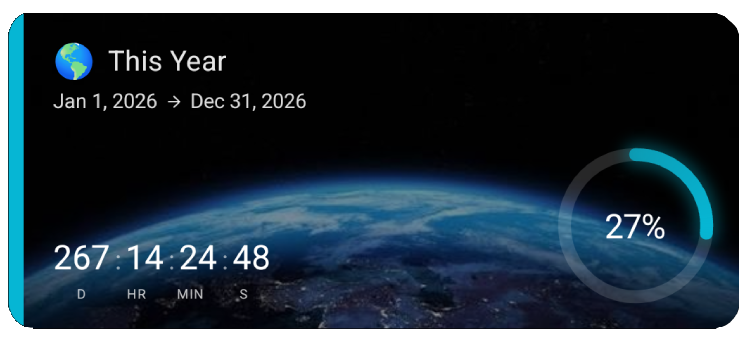
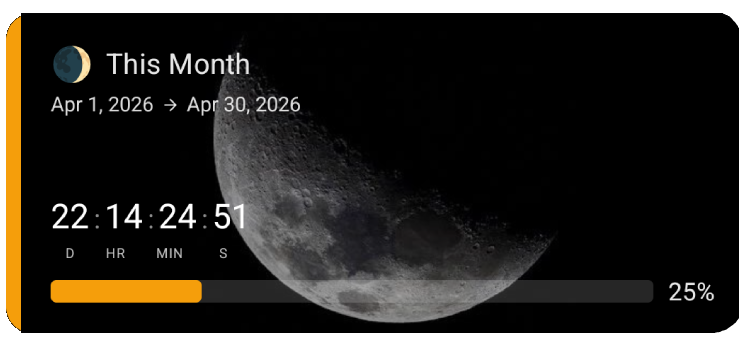
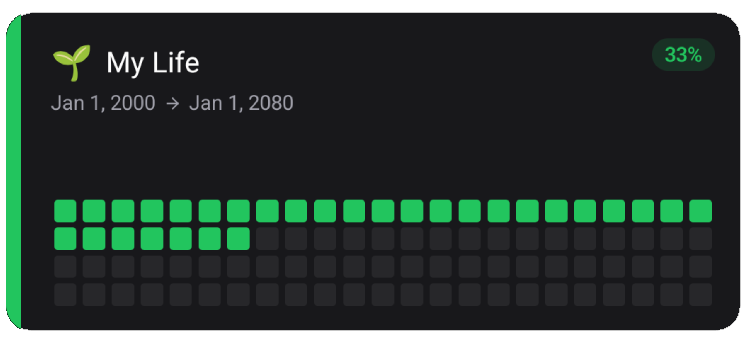
Want to explore all visual styles?
The interactive demo above only shows the timer — download the app to try every style, color, and layout on your own countdowns.
See every countdown at a glance
Add countdown widgets directly to your home screen. See how many days are left until your next vacation, birthday, or deadline — without opening any app.
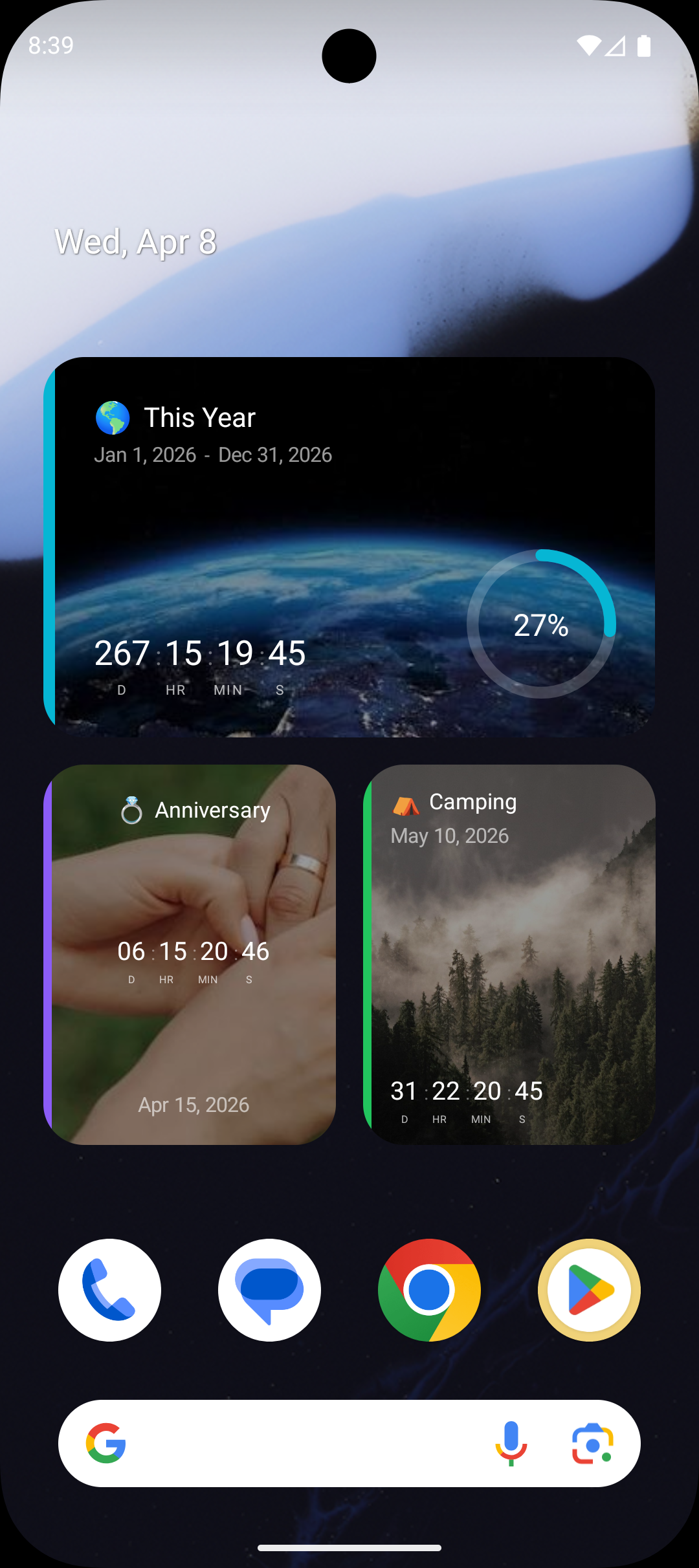
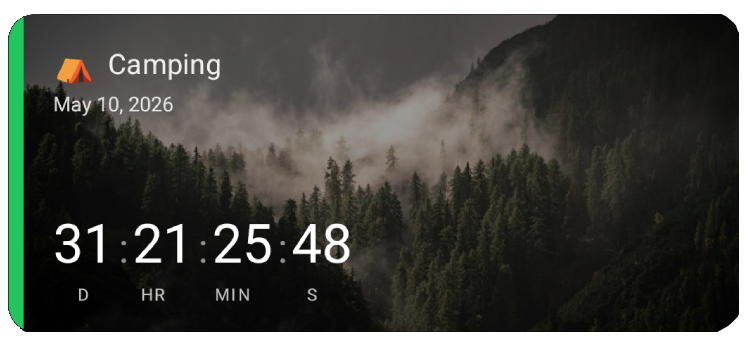
Use your own photos as backgrounds
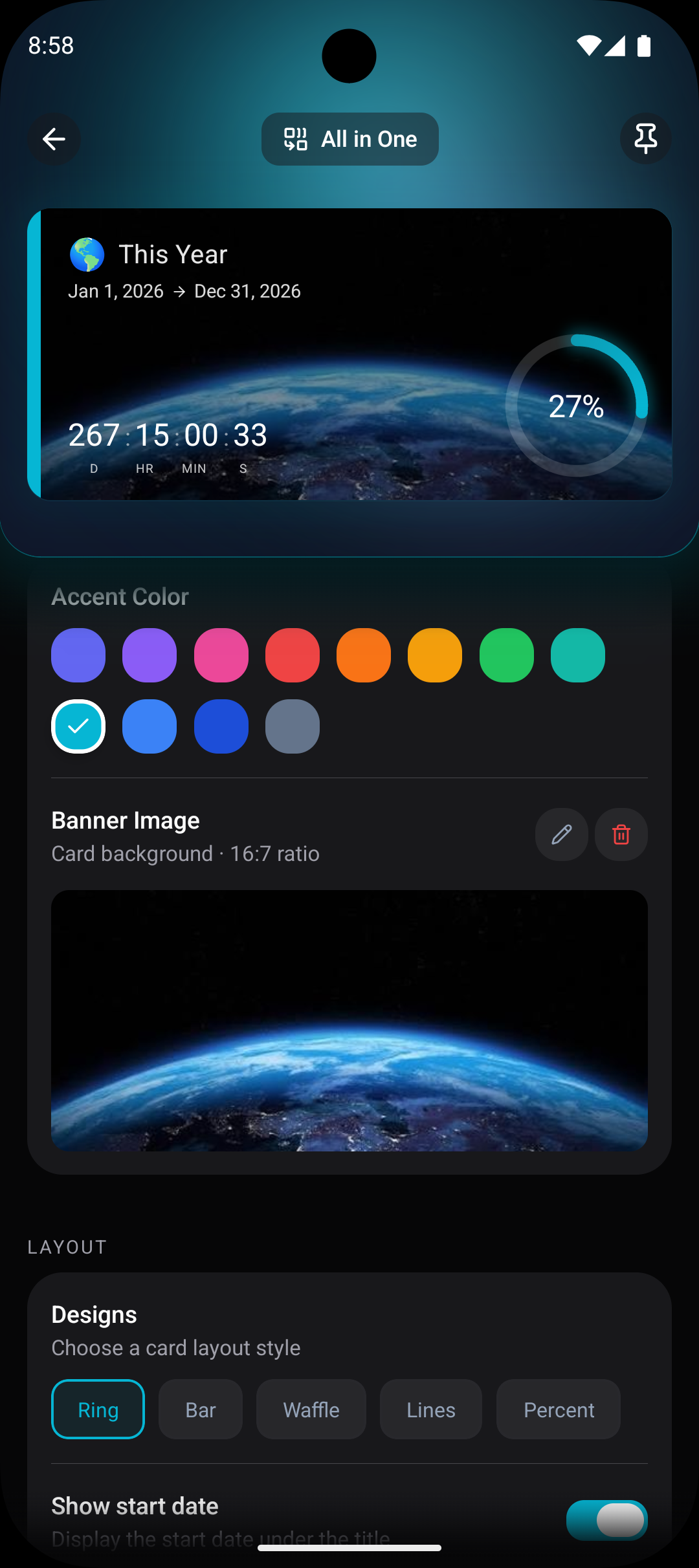
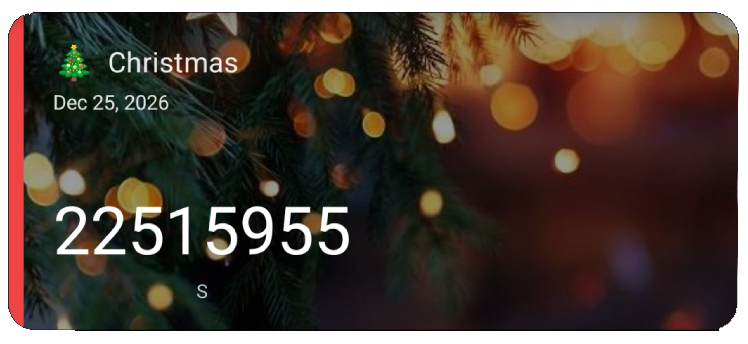
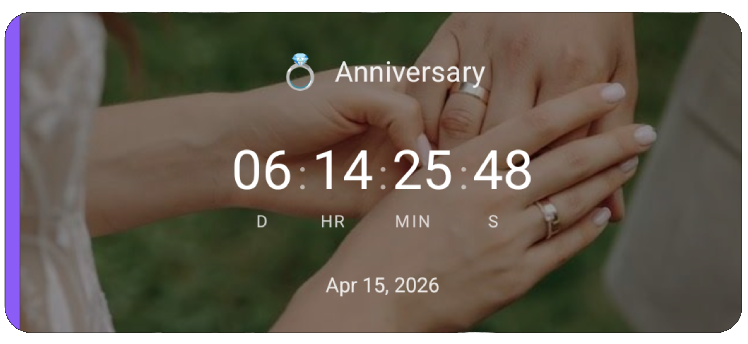
Set any photo as your countdown backdrop — wedding shots, vacation snaps, baby photos. Pick from 12 accent colors and choose a layout style to match.
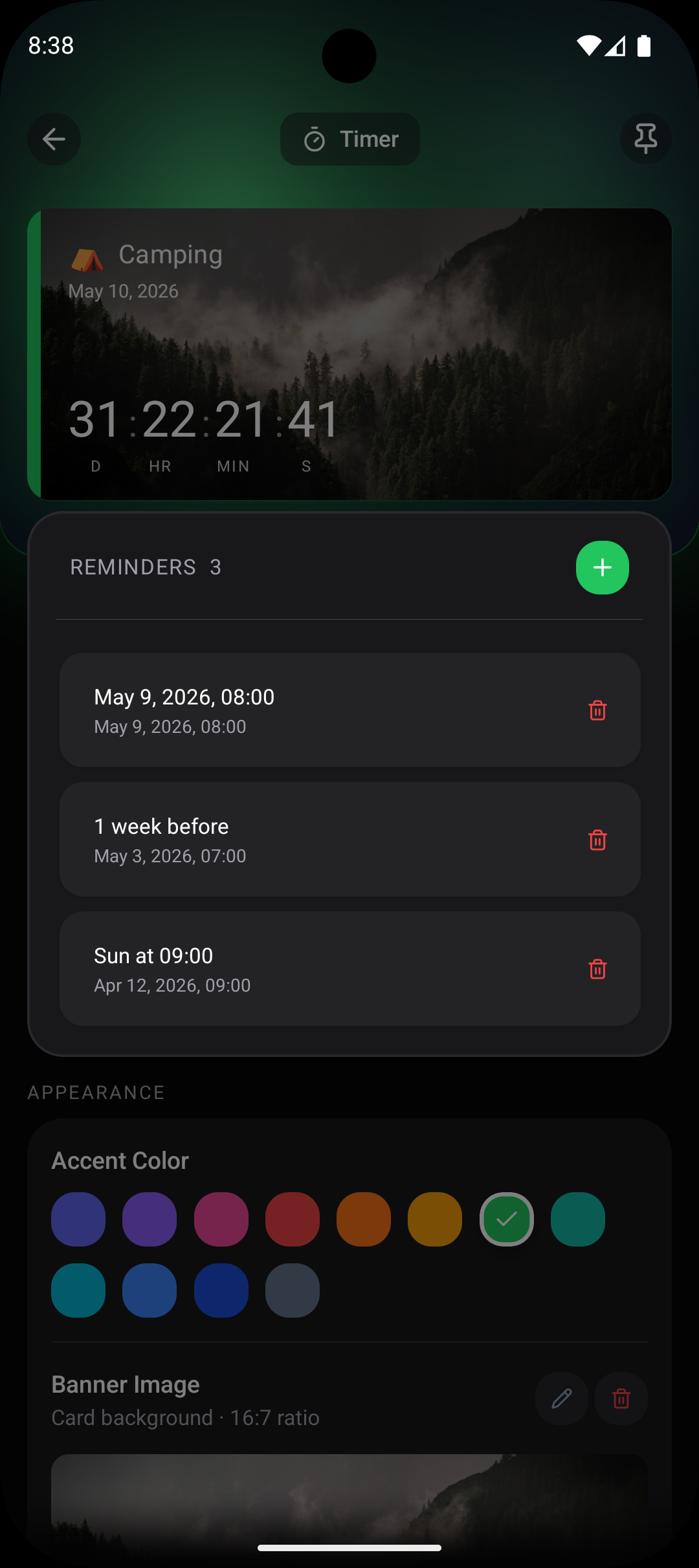
Keep track of time with reminders
Never miss a moment. Set reminders for days before, the morning of, or the exact time an event starts — Countdawns nudges you at just the right time.
Pick your perfect style
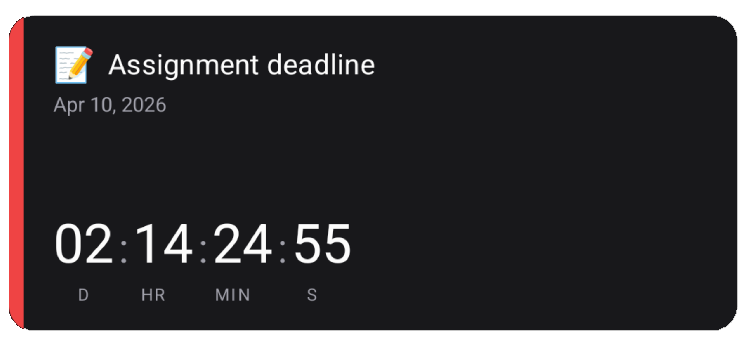
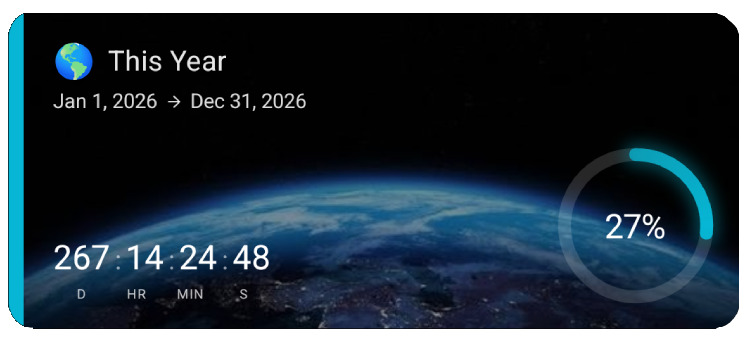
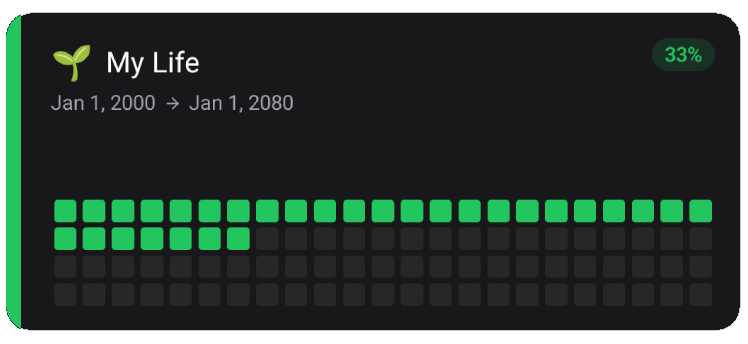
9 designs and counting. 12 accent colors each. Mix, match, and make your home screen unmistakably yours.
Start counting what matters
Up to 10 countdowns free. No ads. No account required.
Get going in four taps
Getting a countdown widget on your home screen takes less than a minute
Download the app
Install Countdawns for free from Google Play. No account required.
Create a countdown
Pick an event, set the date, and choose from 11 beautiful card designs.
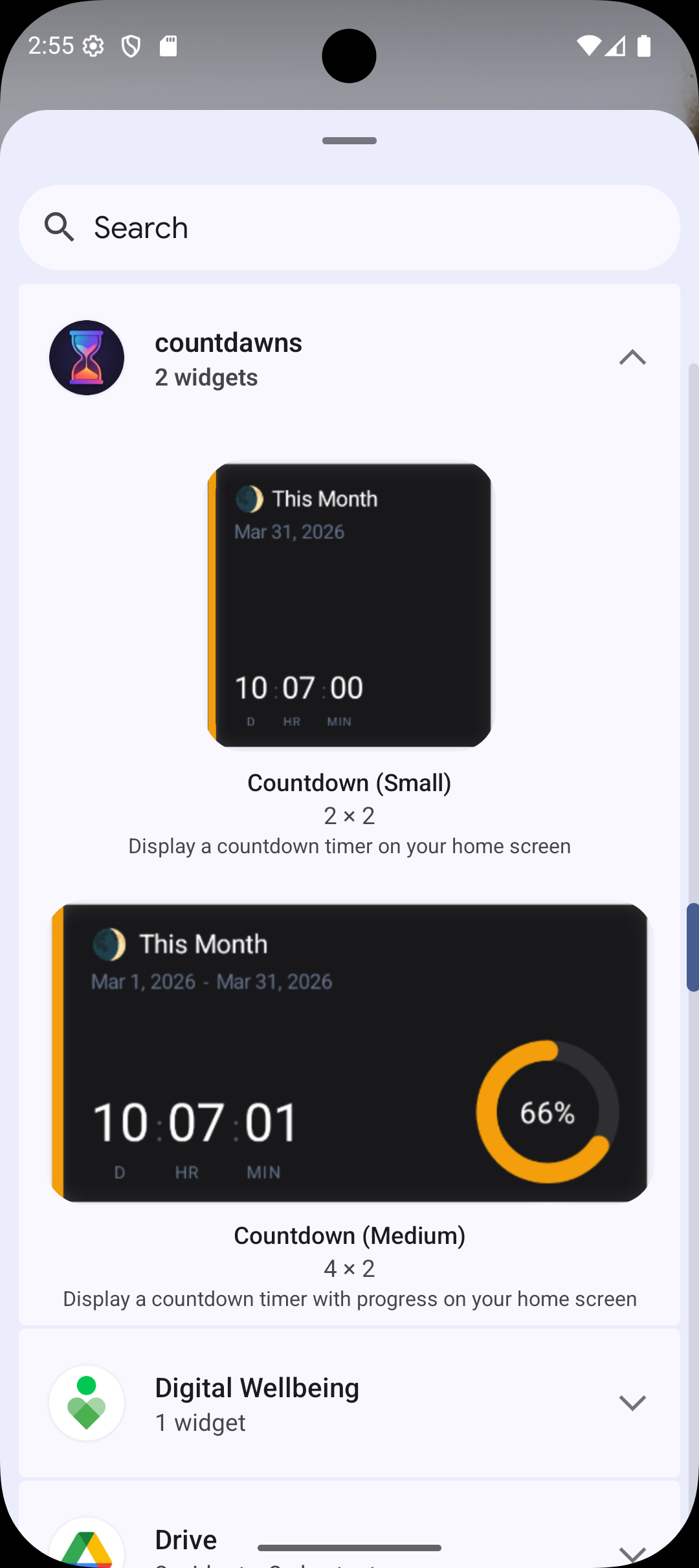
Add a widget
Long-press your home screen and add a Countdawns widget in seconds.
Enjoy the countdown
Your widget updates automatically. Set reminders so you never miss a moment.