Why it matters
Procrastination is the biggest enemy of exam preparation. When the test feels far away, it is easy to put off studying. A visible countdown eliminates that illusion by showing you exactly how much time you have left. Research shows that concrete deadlines improve motivation and time management. Whether you are preparing for finals, the SAT, bar exam, or a professional certification, seeing the days tick down creates healthy urgency that drives consistent study habits.
How Countdawns helps
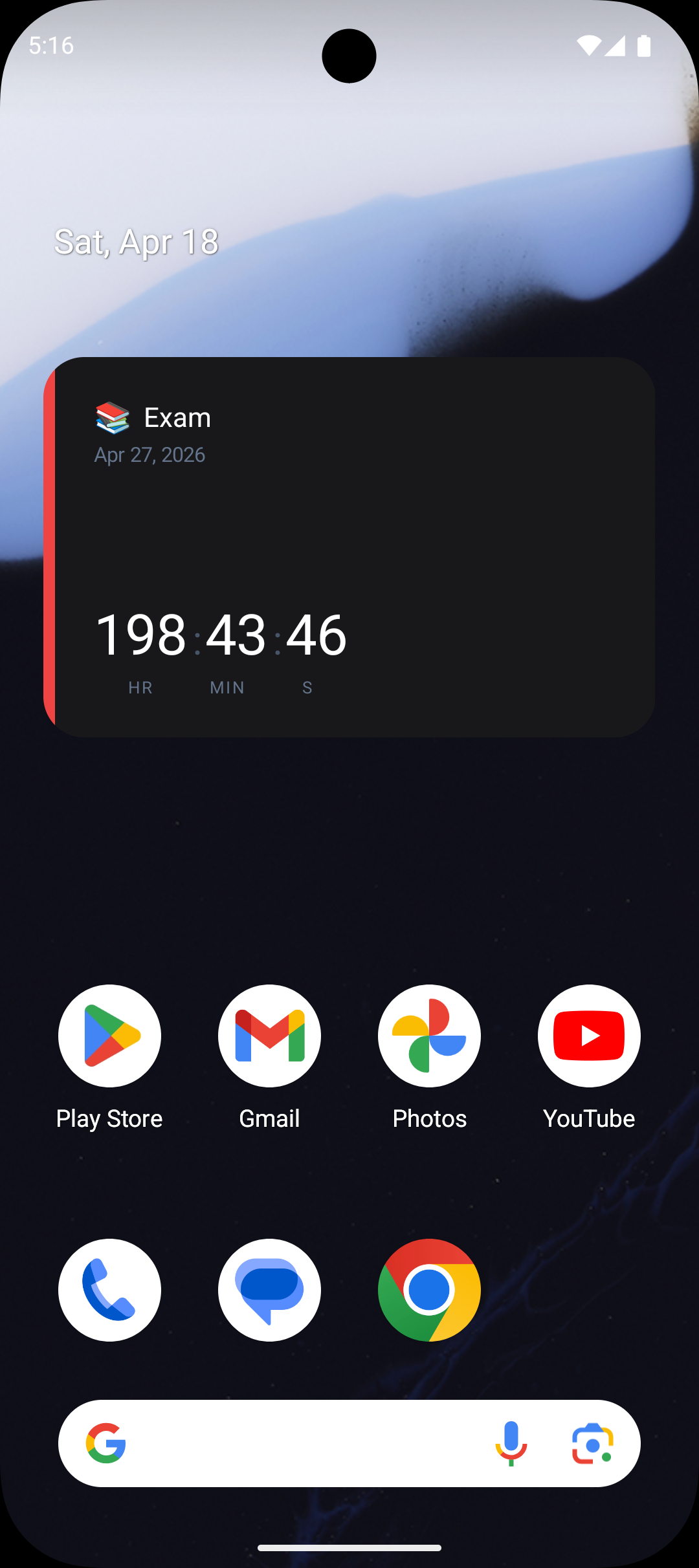
- ✓Place exam countdowns on your Android home screen as a constant visual reminder of how many study days remain.
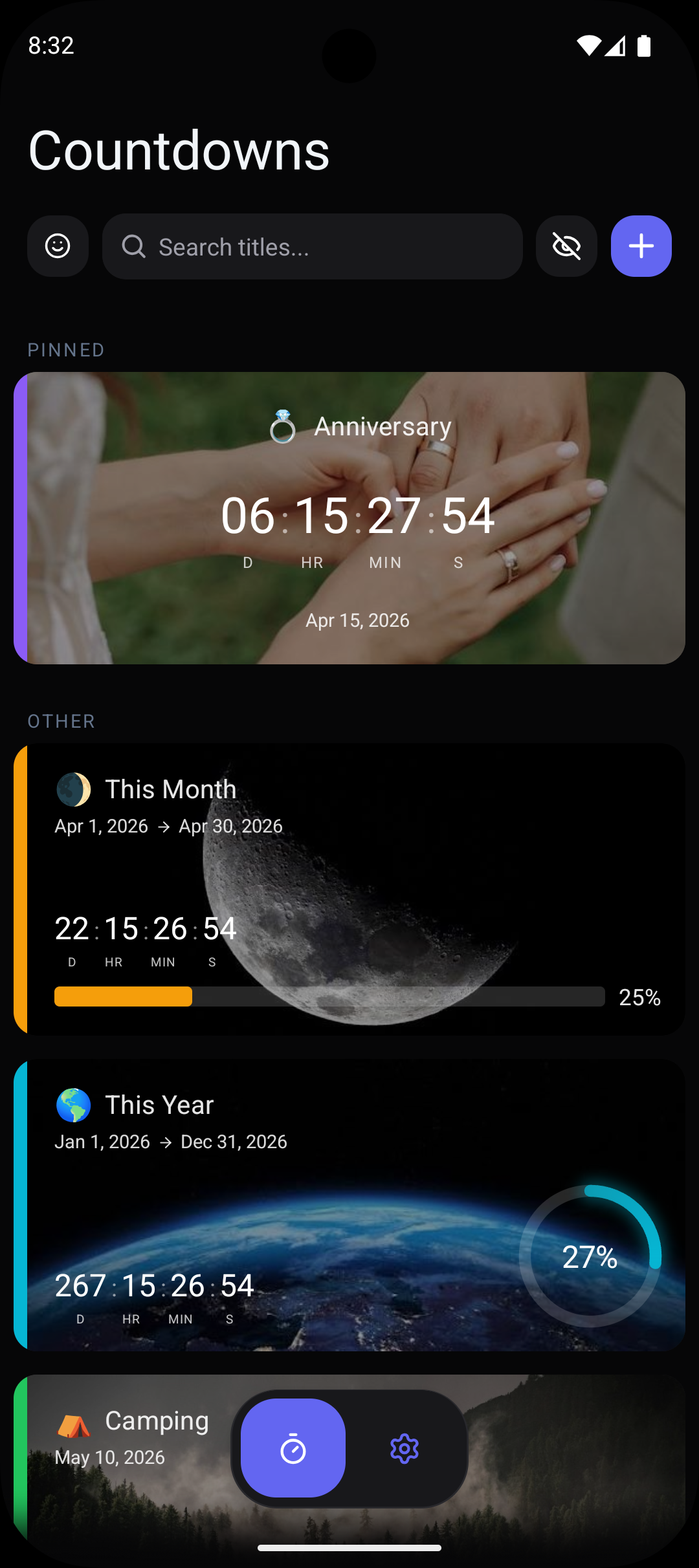
- ✓Create separate countdowns for each exam in your schedule — finals week, midterms, standardized tests — with up to 10 free countdowns.
- ✓Set study milestone reminders: start reviewing 30 days out, begin practice tests 14 days out, and do final review 3 days before.
- ✓Track progress with visual indicators like rings and bars that show how much of your preparation timeline has elapsed.
- ✓Choose to display days and hours for a focused, study-oriented countdown that keeps urgency high.
Frequently Asked Questions
Can I create countdowns for multiple exams at once?+
Does the exam countdown show hours and minutes too?+
Can I set reminders to study at specific intervals before my exam?+
Related Countdowns
Count down to graduation day on your Android phone. Track days until commencement with widgets, progress bars, and smart reminders. Free.
Never miss a work deadline again. Track project deadlines on your Android home screen with countdown widgets and smart reminders. Free.
The only Android countdown app that lets you choose which time units to display. Show days only, add seconds, or pick any combination. Free.