Why it matters
The period between accepting a job offer and your start date is a unique window of opportunity. You need to wrap up your current role, handle logistics like commute planning and wardrobe preparation, and mentally prepare for a new environment. A visible countdown prevents this valuable time from slipping away unproductively. It also serves as a daily confidence boost — seeing the countdown reminds you that you earned this opportunity and a fresh chapter is about to begin.
How Countdawns helps
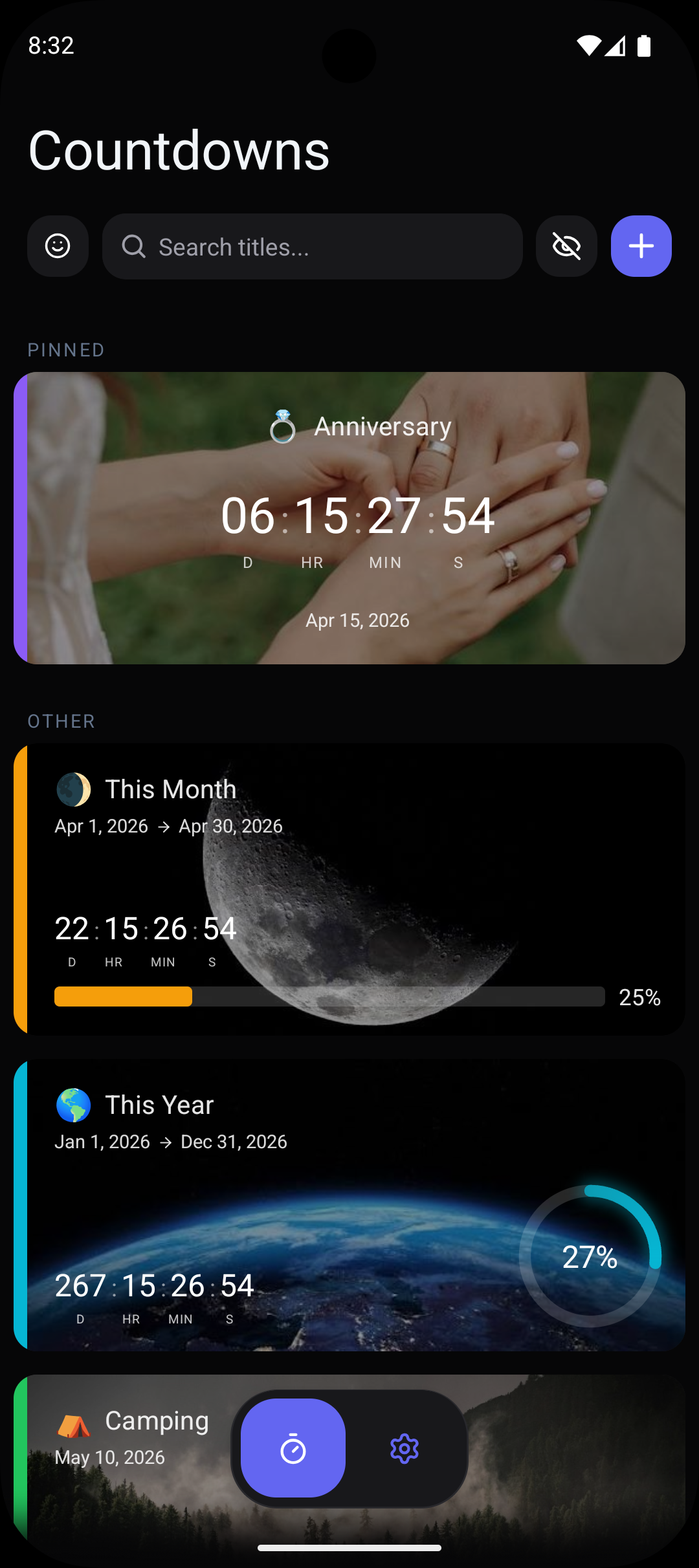
- ✓Place a new job countdown widget on your Android home screen to build excitement and stay motivated during your transition period.
- ✓Set preparation reminders: 2 weeks out for wrapping up your current role, 1 week for commute trial runs, 3 days for first-day outfit planning.
- ✓Customize your countdown with professional card designs and colors that match your new company's branding.
- ✓Track your notice period and start date simultaneously with separate countdowns using your 10 free slots.
- ✓Use progress tracking to visualize the transition period, watching the progress bar fill as your start date approaches.
Frequently Asked Questions
Can I track both my last day at my current job and first day at the new one?+
What reminders should I set for a new job countdown?+
Can I delete the countdown after I start my new job?+
Related Countdowns
Never miss a work deadline again. Track project deadlines on your Android home screen with countdown widgets and smart reminders. Free.
Track your moving day with a countdown on Android. Set reminders for packing, utilities, and address changes. Stay organized. Free app.
Count down to your retirement date on Android. See years, months, and days remaining with home screen widgets. Celebrate the milestone. Free.